
Key facts
- Brand
- Sharp
- Model
- UX-340L
- Category
- Fax machine
- Documents
- 2
- Languages
- EN
- Last added
- 2012-08-02
Start here
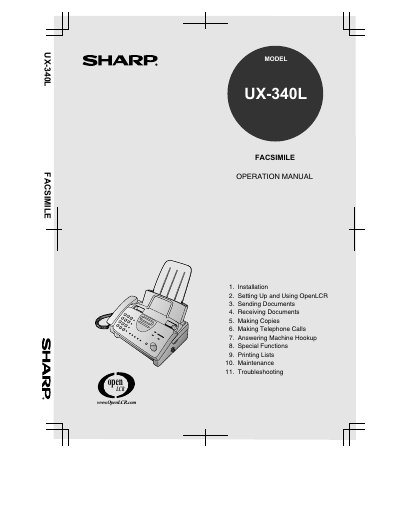
Sharp UX-340L Facsimile Operation Manual
The document is an operation manual for the Sharp UX-340L Facsimile. It covers installation procedures including unpacking and connecting power and telephone lines. The guide details how to load imaging film and printing paper, set up date/time, and configure reception modes.
Subsequent sections explain how to send documents using various dialing methods (normal, automatic, speed dial), receive faxes in FAX or TEL mode, and make copies. It also includes instructions for making telephone calls, hooking up an answering machine, utilizing special functions like Caller ID and broadcasting, printing lists, maintenance tasks, and troubleshooting common problems.
Sharp UX-340L specifications
| Memory size | 476 KB |
|---|---|
| Modem speed | 14,400 bps |
| Resolution (Horizontal) | 203 pels/inch |
| Resolution (Vertical) | 391 lines/inch |
| Paper tray capacity | 60 sheets |
| Power requirements | 120 V AC, 60 Hz |
| Power consumption (Standby) | 4.0 W |
| Power consumption (Maximum) | 100 W |
| Operating temperature | 41 - 95°F |
| Weight | 7.7 lbs. |
All Sharp UX-340L documents by type
Day-to-day operation, settings and troubleshooting. Start here if the product is already set up.
Questions answered in these manuals
What is the maximum number of pages that can be copied?
The machine can make up to 99 copies per page.
Does this fax machine support digital telephone systems?
No, the machine is not compatible with digital telephone systems.
What is the maximum number of pages for automatic document feeding?
The machine can automatically feed a maximum of 10 pages.
What is the initial starter roll length included with the machine?
The initial starter roll is approximately 32 ft (10 m) long.