
Key facts
- Brand
- Sharp
- Model
- 40G100
- Documents
- 2
- Languages
- ZH
- Last added
- 2011-10-06
Start here
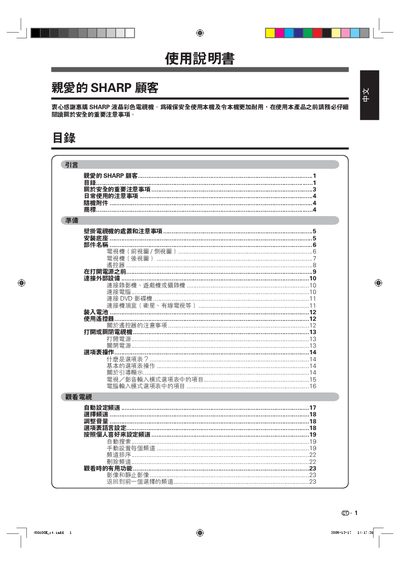
Sharp 40G100 Television User Manual
This manual provides important safety information, daily usage precautions, and detailed instructions for installing the base and wall‑mount brackets for the Sharp 40G100 LCD television. It also explains how to operate the remote control, navigate the on‑screen menu, and configure audio and video inputs.
Additional sections cover display modes, multi‑audio (MPX) settings, channel management, and troubleshooting tips such as using the FREEZE function to pause live video. Cleaning and maintenance guidelines ensure the screen and chassis remain in good condition. This manual is written in Chinese.
Sharp 40G100 specifications
| Screen type | LCD |
|---|---|
| Pixel count | 2,073,600 |
| HDMI interface | Supported |
All Sharp 40G100 documents by type
Day-to-day operation, settings and troubleshooting. Start here if the product is already set up.
Questions answered in these manuals
Can I mount the TV on a wall with any bracket?
Only Sharp‑approved wall‑mount brackets may be used; other brackets may cause improper installation and safety hazards.