
This document is the user manual of SHARP UP-3500 POS terminal, which details the functions, usage methods, maintenance and maintenance of the terminal
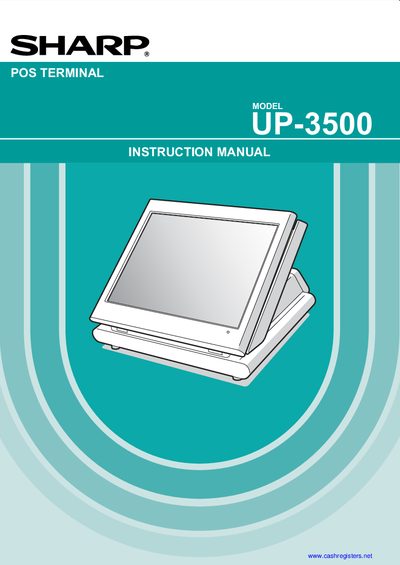
This manual introduces the Sharp UP-3500 POS terminal, covering safety precautions, installation requirements, and basic operation. It explains how to connect the unit to a standard 120 V AC outlet, handle the built‑in memory protection circuit, and charge the rechargeable Nickel‑Metal‑Hydride battery.
Detailed sections describe entry procedures, programming functions, printing options, UPC/EAN handling, data saving with an SD card, and operator maintenance. Warranty information and dealer contact details are provided at the end of the document.
| Power Supply | 120 V + 10 % AC |
|---|---|
| Battery Type | Nickel Metal Hydride (rechargeable) |
| Memory Protection | Built‑in memory protection circuit |
Plug the terminal into a standard 120 V AC wall outlet using the supplied AC adaptor.
It uses a rechargeable Nickel‑Metal‑Hydride battery.
No, users should contact an authorized dealer for service and not attempt repairs.