
Key facts
Start here
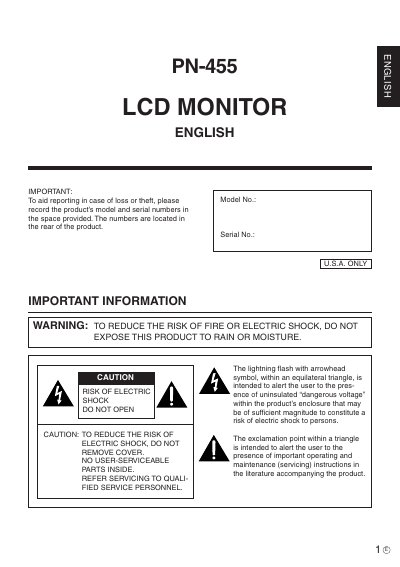
Sharp PN-455 LCD Monitor Operation Manual
The document serves as a comprehensive operation guide for the Sharp PN-455 LCD monitor. It begins with critical safety warnings regarding electricity, moisture, and proper installation to prevent fire or electric shock hazards.
Subsequent sections cover specific usage tips, such as avoiding prolonged static images to prevent afterimages and ensuring adequate ventilation. The manual also details power cord handling, cleaning procedures, and troubleshooting steps for common issues like screen flashing caused by fluorescent tubes.
All Sharp PN-455 documents by type
Day-to-day operation, settings and troubleshooting. Start here if the product is already set up.
Questions answered in these manuals
What happens if a still picture is displayed for a long period?
It could cause a residual image.
What should you do if the screen gets dark, flashes, or does not turn on?
Change the fluorescent tubes with new exclusive ones.
What should I do if the screen gets dark, flashes, or does not turn on?
You should change the fluorescent tubes with new exclusive ones.
What should I do if the screen flashes during the initial period of use?
Turn off the main power switch on the top of the monitor and turn it on again to confirm operation.