
Key facts
- Brand
- Sharp
- Model
- 13LM150B
- Category
- Television
- Industry
- Appliances
- Documents
- 2
- Languages
- EN
- Last added
- 2012-08-03
Start here
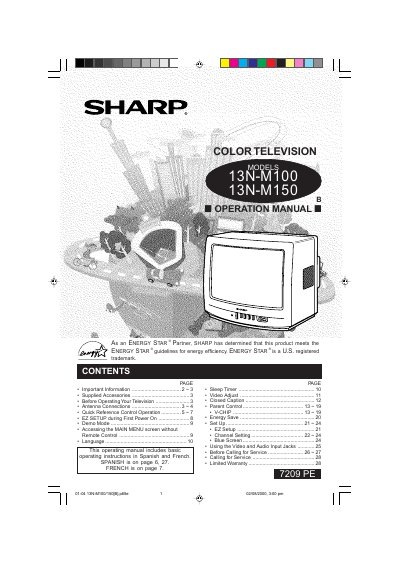
SHARP 13LM100B 13LM150B Operation Manual
This document is the operation manual for Sharp Color Television models 13N-M100 and 13N-M150. It provides instructions on how to use the supplied accessories, including the infrared remote control, and details the location of controls on both the front panel and the remote unit.
Read onlineAll Sharp 13LM150B documents by type
Day-to-day operation, settings and troubleshooting. Start here if the product is already set up.
Questions answered in these manuals
Where are the model numbers located?
The model and serial numbers are located at the rear of the TV.
How do I access the main menu without a remote?
Press both Channel Up and Channel Down buttons on the front panel simultaneously.
What are the models covered in this manual?
This manual covers the Sharp Color Television models 13L-M100B and 13L-M150B.
From: Sharp 13L-M100B/13L-M150B Color Television Operation Manual
Where is the serial number located?
The serial numbers are located at the rear of the TV.
From: Sharp 13L-M100B/13L-M150B Color Television Operation Manual