
Key facts
- Brand
- Sharp
- Model
- EL-1197PII
- Documents
- 2
- Languages
- EN
- Last added
- 2012-08-02
Start here
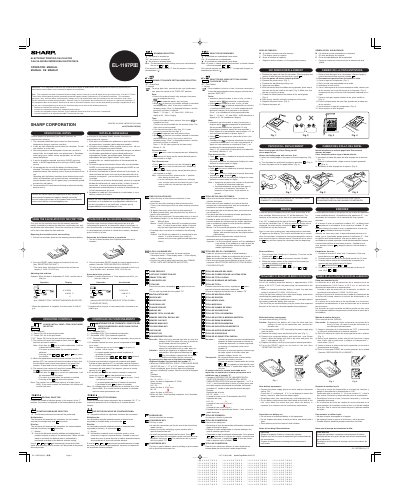
SHARP EL-1197PIII Operation Manual
This document is the operation manual for the Sharp EL-1197PH electronic printing calculator. It provides instructions on initial setup, including removing the battery insulation sheet to initialize the unit's state and adjusting the date and time.
The guide details the functions of various operating controls, such as the power switch with print modes, decimal selectors, constant mode, and rounding options. It also explains how to use the Grand Total/Rate Setting Mode Selector for storing conversion rates, tax/discount rates, and setting the clock.
Sharp EL-1197PII specifications
| Maximum Count Capacity | 3 digits (up to +999) |
|---|---|
| Date Range | 2000 - 2099 or 00 - 99 |
| Hour Range | 0 - 23 |
| Minute Range | 0 - 59 |
All Sharp EL-1197PII documents by type
Day-to-day operation, settings and troubleshooting. Start here if the product is already set up.
Questions answered in these manuals
What happens if I operate with the battery insulation sheet attached?
You risk losing information such as date and time, conversion rate, and tax/discount rate.
How do I clear the item counter?
Pressing the [x ], [x ] or [mu] key clears the counter.
What happens if the calculator is not used for a period of time?
You should pull out the power cord to cut electricity completely, which will clear the currently stored tax/discount rate.
From: Sharp EL-1197PII Electronic Printing Calculator Operation Manual
What should be used to clean the calculator?
A soft, dry cloth should be used; do not use solvents or a wet cloth.
From: Sharp EL-1197PII Electronic Printing Calculator Operation Manual