
Sanyo PLV-60 Multimedia Projector Owner's Manual

The PLV-60 multimedia projector is a product that provides many convenient features and functions. Operating the projector properly enables you to manage those features and maintains it in better condition for a considerable time.
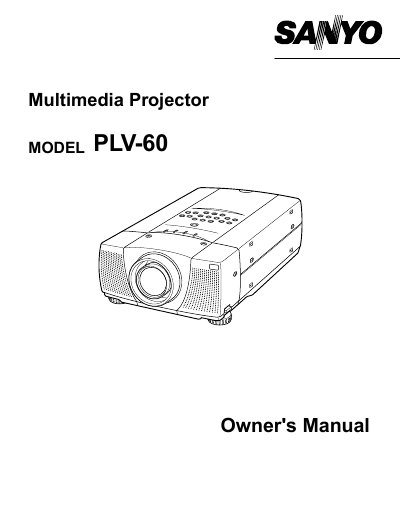

Sanyo PLV-60 Multimedia Projector Owner's Manual - cover page
Brand
Sanyo
Category
Projector
Document type
User Manual
Language
English
Pages
44
File format
PDF
File size
1.2 MB
Published
03 August, 2012
Updated
29 September, 2023
Model
PLV-60
MD5 checksum
7944E32FC6024C99971C1EB0B9D828B2

About this manual

The Sanyo PLV-60 is a multimedia projector designed for computer and video applications. This owner's manual covers safety precautions, setup procedures, and the use of various input sources including computer and video modes. It details how to adjust the image, connect power, and operate the remote control.

What's inside

  • Safety Precautions
  • Features and Design
  • Setting Up Projector
  • Connecting Projector
  • Computer Mode
  • Video Mode
  • Picture Image Adjustment
  • Basic Operation
  • Maintenance
  • Troubleshooting

Frequently asked questions

What safety precaution is required when cleaning the projector?

You must unplug the projector from the AC power supply before cleaning it.

What is the minimum distance required for air circulation on the top and sides of the projector?

You must maintain a minimum distance of 50cm on the top and sides of the projector.

What type of fuse must be used if the fuse in the UK power cord needs replacement?

You must use an ASTA approved BS 1362 fuse of the same rating.

Download PDF (1.2 MB)

More Sanyo Manuals


View all Sanyo manuals →