
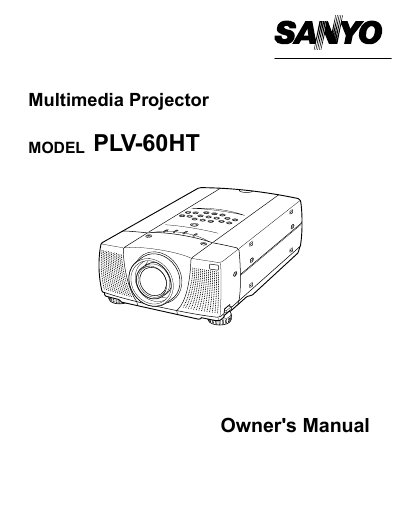
Sanyo PLV-60HT Multimedia Projector Owner's Manual


Sanyo PLV-60HT Multimedia Projector Owner's Manual - cover page
Brand
Sanyo
Category
Projector
Document type
User Manual
Language
English
Pages
44
File format
PDF
Published
03 August, 2012
Updated
29 September, 2023
Model
PLV-60
MD5 checksum
E05C8BBCBC9285B709B0425FD6065AB6

About this manual

The Sanyo PLV-60HT is a multimedia projector designed to display images from various input sources including computers and video equipment. The document covers safety precautions, physical setup, and connection procedures for different systems.

Key operational features include automatic PC adjustment, manual image level adjustments, and keystone correction. The manual also details remote control usage, on-screen menu navigation, and basic functions such as picture freeze and sound adjustment.

What's inside

  • Safety Precautions
  • Features and Design
  • Preparing the Projector
  • Connecting to Computer
  • Picture Image Adjustment
  • Video Mode Operation
  • Remote Control Operation
  • On-Screen Menu
  • Maintenance
  • Troubleshooting

Specifications

Product TypeMultimedia Projector

Frequently asked questions

What safety precaution must be taken regarding the projector lens?

Do not stare directly into the projection lens because it produces intense light that can cause eye damage.

What is required for proper air circulation and cooling around the projector?

Appropriate space must be maintained on the top, sides, and rear of the cabinet to allow air circulation.

What should be done if the projector is not used for an extended time?

Unplug the projector from the power outlet to prevent potential hazards.

Download PDF

More Sanyo Manuals


View all Sanyo manuals →