
This is a user manual for HDD Audio Player HDP-M3000.
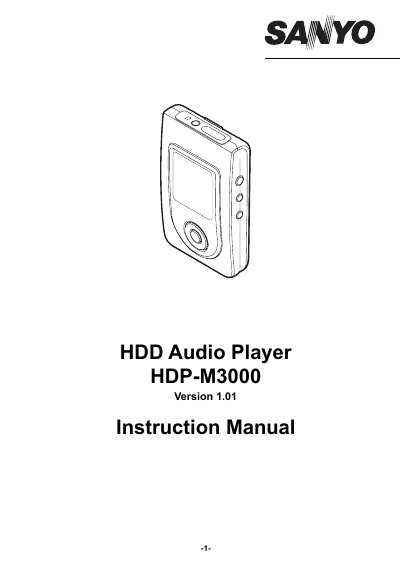
This manual guides users through connecting the HDP-M3000 to a PC, installing the MusicFileMaster software, transferring and playing music files, and managing playback settings. It also includes precautions for safe use and battery care.
The player requires a Windows PC with a USB port and compatible sound board. It uses a built-in lithium-ion battery and should not be exposed to extreme temperatures or physical shocks. Data should be backed up to avoid loss.
| Battery Type | Internal Lithium Ion Battery |
|---|---|
| Supported OS | Windows XP Professional, Windows XP Home Edition, Windows 2000 Professional, Windows Millennium Edition (Me) |
| USB Port Requirement | One required for connection |
| Sound Board Requirement | 16-bit Windows-compatible sound board supported |
Open the [Manual] folder on your PC (e.g., C:\Program Files\SANYO\Manual) and double-click the desired PDF file. Adobe Acrobat Reader is required to view the PDF.
It is designed to play music files and transfer data using a built-in hard disk.
Windows XP Professional, Windows XP Home Edition, Windows 2000 Professional, and Windows Millennium Edition (Me).
A USB port and a 16-bit Windows-compatible sound board are required.