
This document is a user manual which introduces the use of BDP7200 Blu-Ray Disc Player
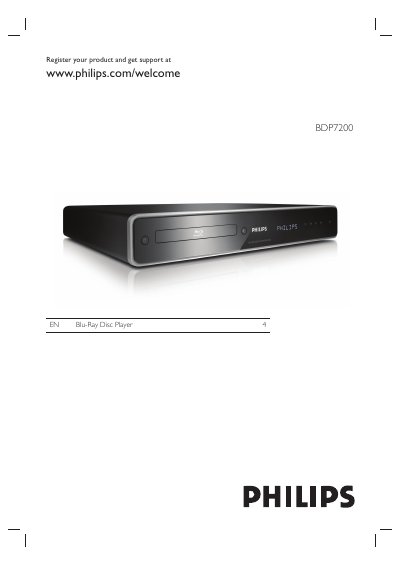
The Philips BDP7200 is a Blu-ray Disc Player that supports full high-definition video playback up to 1080p resolution. It offers features such as Blu-ray disc playback, DVD upscaling to 1080p, and backwards compatibility with DVD, CD, and media files including JPEG, MP3, and Windows Media Audio. Connectivity is primarily via HDMI, with support for EasyLink (HDMI CEC) and various audio formats including Dolby Digital Plus, Dolby TrueHD, and DTS-HD. The manual includes registration information, safety notices, and setup instructions for connecting to TVs and audio systems.
Connect the BDP7200 to your HDTV with one single HDMI cable. Philips recommends HDMI 1.3 (category 2) cable for better compatibility.
Allow at least 5~10 cm clearance around the unit.
Philips recommends HDMI 1.3 (category 2) cable, also known as High Speed HDMI cable.