
Key facts
- Brand
- Philips
- Model
- 328P6
- Category
- Monitors
- Industry
- Electronics
- Documents
- 3
- Languages
- RU · EN · ZH
- Last added
- 2026-11-25
Start here
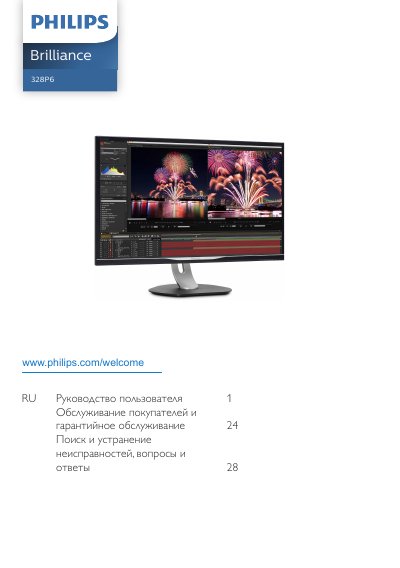
Philips Brilliance 328P6 User Manual
This user manual for the Philips Brilliance 328P6 monitor provides comprehensive guidance for setup and operation. It begins with important safety information and installation procedures, including VESA mounting instructions. The manual covers image optimization features such as SmartImage and SmartContrast, HDR functionality, and power management settings. Additional sections address pixel warranty policies, troubleshooting, and general questions about MultiView functionality. This manual is written in Russian.
Read onlinePhilips 328P6 specifications
| Panel Size | 31.5 inch / 80 cm |
|---|---|
| Optimum resolution | 3840 x 2160 @ 60Hz |
| Brightness | 600 cd/m² (peak) |
| Contrast ratio (typical) | 3000:1 |
| Response time (typical) | 4 ms (Gray to Gray) |
| Viewing angle | 178º (H) / 178º (V) |
| Display colors | 1.07 billion colors |
| HDR | DisplayHDR 600 (DP/HDMI) |
| Signal Input | DisplayPort 1.4 x 1, HDMI 2.0 x 2, USB-C 3.1 Gen 1 x 1 (upstream, power delivery up to 65 W), USB 3.0 x 4 (downstream) |
| USB-C max. power delivery | Up to 65 watts (5V/3A; 7V/3A; 9V/3A; 12V/3A; 15V/3A; 20V/3A) |
| RJ45 | Ethernet LAN up to 1G |
| Built-in Speakers | 3 W x 2 |
| Stand adjustment | Height 180 mm, pivot 90 degree, swivel -170/+170 degree, tilt -5/20 degree |
| Power supply | Built-in, 100-240VAC, 50-60Hz |
| VESA mount | 100x100mm |
| Weight | 9.36 kg with stand; 6.40 kg without stand; 13.26 kg with packaging |
| Temperature range (operation) | 0°C to 40°C |
Source: Philips 328P6VUBREB/69 Brilliance LCD Monitor with USB-C Docking Product Leaflet
All Philips 328P6 documents by type
Day-to-day operation, settings and troubleshooting. Start here if the product is already set up.
Questions answered in these manuals
Как подключить монитор к компьютеру?
Подключите монитор с помощью специального шнура питания, поставляемого компанией Philips.
What temperature range is recommended for using the monitor?
Use the monitor in a room with a temperature of 0-40 °C or 32-104°F.
What is the screen size and resolution of the Philips 328P6VUBREB/69?
It has a 31.5 inch / 80 cm panel with an optimum resolution of 3840 x 2160 (4K UHD) at 60 Hz.
From: Philips 328P6VUBREB/69 Brilliance LCD Monitor with USB-C Docking Product Leaflet
How much power can the USB-C connection deliver to a notebook?
The USB-C connector supports USB Power Delivery up to 65 watts, so a compatible notebook can be powered and re-charged through the monitor.
From: Philips 328P6VUBREB/69 Brilliance LCD Monitor with USB-C Docking Product Leaflet