
Philips BDP7200 Blu-ray Disc Player quick start guide covering box contents, TV connections, setup, playback, and troubleshooting in Portuguese.
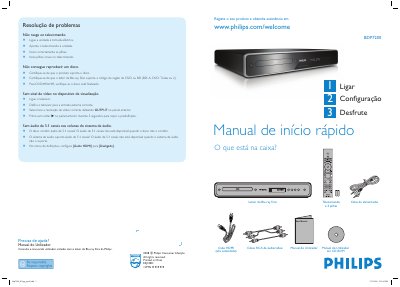
This Philips BDP7200 Blu-ray Disc Player quick start guide explains what is included in the box, how to connect the player to a TV, and how to begin disc playback. It also provides troubleshooting steps for remote control, video signal, and audio issues.
The guide includes connection options for HDMI, component video, and composite video, plus instructions for locating the correct TV channel and operating the disc tray. This manual is written in Portuguese.
| Region codes | BD: A, DVD: Todas ou 2 |
|---|---|
| Audio | 5.1 channels |
Connect the unit to the power outlet, point the remote control at the unit, insert the batteries correctly, or insert new batteries in the remote control.
Turn on the TV, set the TV to the correct external input, select the correct video resolution using OUTPUT on the front panel, or press and hold X on the front panel for 5 seconds to reset to default.
Press OPEN/CLOSE to open the disc tray, place the disc with the label side facing up, close the tray, and playback may start automatically or press PLAY.