
Philips BDL6545AT Display User Manual

This manual provides safety and troubleshooting information for the BDL6545AT display, including safety precautions to take when connecting and using the display, and maintenance tips for the display.
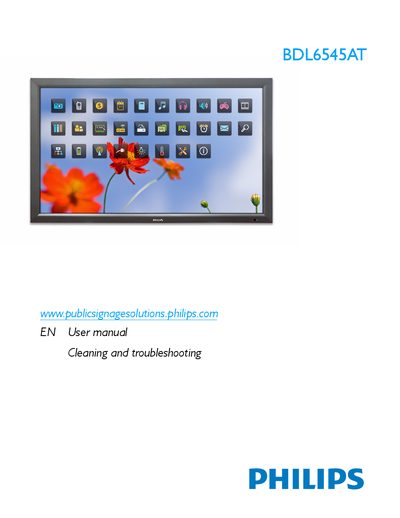

Philips BDL6545AT Display User Manual - cover page
Brand
Philips
Category
Monitor
Document type
User Manual
Language
English
Pages
59
File format
PDF
File size
7.3 MB
Published
28 March, 2012
Updated
30 September, 2023
MD5 checksum
E69A2EFF57CAED8B1D4C2C953DCA1919

About this manual

This user manual provides safety guidelines and maintenance instructions for the Philips BDL6545AT display. It covers precautions for operation, cleaning, and storage, including warnings about avoiding direct sunlight, heat sources, and moisture. The manual also includes regulatory compliance information for CE, FCC, and UK standards, along with electrical safety requirements and plug connection details for proper installation.

What's inside

  • Safety and Troubleshooting Information
  • Maintenance and Cleaning
  • Regulatory Information
  • Electrical Safety and Plug Connection
  • CE and FCC Compliance

Frequently asked questions

What is the temperature range for proper display operation?

Temperature: 0 ~ 40 C 32-104 F.

What humidity range is recommended for the display?

Humidity: 20-80% RH.

What should be done if the display becomes wet?

Wipe it with a dry cloth as soon as possible.

What is the required fuse value for the UK plug?

The fuse should be a BS 1362 5A, A.S.T.A. or BSI approved type.

Download PDF (7.3 MB)

More Philips Manuals


View all Philips manuals →