
Key facts
- Brand
- Panasonic
- Model
- TH-37PA20
- Category
- Television
- Industry
- Appliances
- Documents
- 2
- Languages
- EN
- Last added
- 2012-08-03
Start here
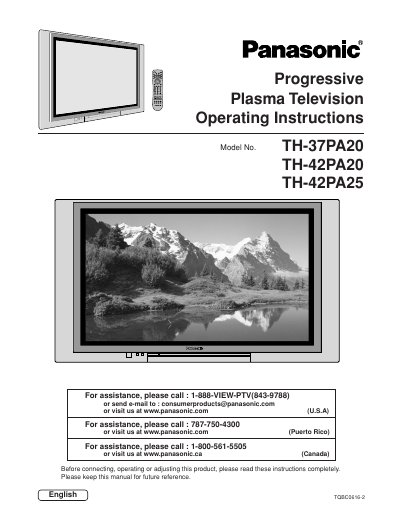
Panasonic TH-37PA20/TH-42PA20/TH-42PA25 Plasma Television Operating Instructions
This document provides operating instructions for the Panasonic TH-37PA20, TH-42PA20, and TH-42PA25 Progressive Plasma Television models. It includes safety precautions, installation guidelines, and detailed steps for connecting various external devices such as VCRs, cable boxes, DVD players, and PCs.
Read onlineAll Panasonic TH-37PA20 documents by type
Day-to-day operation, settings and troubleshooting. Start here if the product is already set up.
Questions answered in these manuals
What happens if a still picture is displayed for an extended period?
A permanent after-image can remain on the Plasma television.
From: Panasonic TH-37PA20/TH-42PA20/TH-42PA25 Plasma Television Operating Instructions
What spacing is required between the television and other peripheral devices?
You must maintain at least 40cm spacing to other peripheral devices.
From: Panasonic TH-37PA20/TH-42PA20/TH-42PA25 Plasma Television Operating Instructions
What happens if a still picture is displayed for an extended period?
A permanent after-image can remain on the Plasma television.
From: Panasonic TH-37PA20/TH-42PA20/TH-42PA25 Plasma Television Operating Instructions
What spacing is required between the television and other peripheral devices?
You must maintain at least 40cm spacing to other peripheral devices.
From: Panasonic TH-37PA20/TH-42PA20/TH-42PA25 Plasma Television Operating Instructions