
Panasonic TH-37PA20/TH-42PA20/TH-42PA25 Plasma Television Operating Instructions

This manual provides basic operating instructions for the Panasonic TH-37PA20/TH-42PA20/TH-42PA25 model televisions.
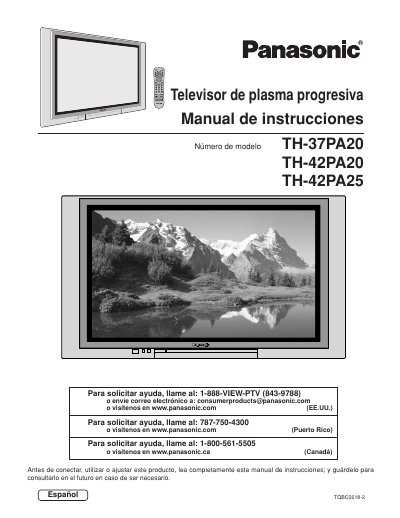

Panasonic TH-37PA20/TH-42PA20/TH-42PA25 Plasma Television Operating Instructions - cover page
Brand
Panasonic
Category
Television
Document type
User Manual
Language
English
Pages
64
File format
PDF
File size
2.1 MB
Published
03 August, 2012
Updated
30 September, 2023
MD5 checksum
54C59408B3BEEFE270D2EC9300E40F93

About this manual

This document provides operating instructions for the Panasonic TH-37PA20, TH-42PA20, and TH-42PA25 progressive plasma televisions. It includes safety precautions, installation guidelines, and connection instructions for various external devices such as VCRs, cable boxes, and digital set-top boxes. The manual details how to use the front control panel and the illuminated remote control to operate the television.

What's inside

  • Important Safety Instructions
  • Installation
  • Cable Connection
  • Front Control Panel
  • Menu Language Selection
  • Picture Adjustment
  • Audio Adjustment
  • Channel Scan
  • Picture in Picture Operation
  • Specifications

Frequently asked questions

What happens if a still picture is displayed for an extended period?

A permanent after-image can remain on the Plasma television.

What spacing is required between the television and other peripheral devices?

You must maintain at least 40cm spacing to other peripheral devices.

What type of power plug does this apparatus use?

It is equipped with a three pin grounding-type power plug.

Download PDF (2.1 MB)

More Panasonic Manuals


View all Panasonic manuals →