
Key facts
- Brand
- Panasonic
- Model
- KX-T7420
- Category
- Other Electronics
- Industry
- Appliances
- Documents
- 2
- Languages
- EN
- Last added
- 2023-01-18
Start here
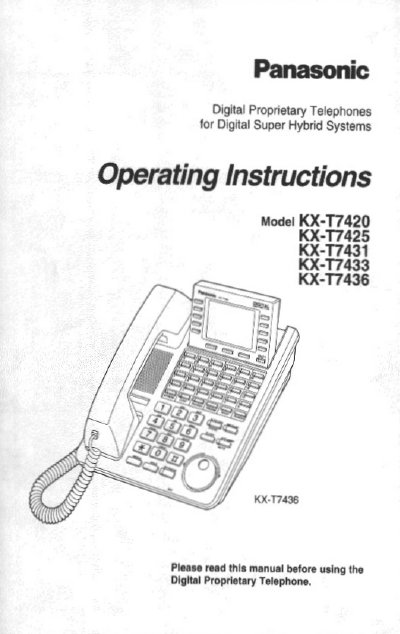
Panasonic KX-T7420 Operating Instructions
This manual provides step‑by‑step guidance for installing and using the Panasonic KX‑T7420 digital telephone. It details the location of controls, how to connect the handset and line cord, and how to adjust volume and display contrast where applicable.
The guide also explains call functions such as making calls, speed dialing, one‑touch dialing, call forwarding, and three‑party conferencing, as well as troubleshooting tips and service information.
All Panasonic KX-T7420 documents by type
Day-to-day operation, settings and troubleshooting. Start here if the product is already set up.
Questions answered in these manuals
What system is this telephone designed to connect to?
This telephone must be connected to a Digital Super Hybrid System.
From: Panasonic KX-T7420/25/31/33/36 Digital Proprietary Telephone Operating Instructions
How many times must the MODE button be pressed to adjust display contrast while idle?
You must press the MODE button six times to access the display contrast setting.
From: Panasonic KX-T7420/25/31/33/36 Digital Proprietary Telephone Operating Instructions
How do I make a three‑party conference?
Press the CONF button to start a three‑party conference.
How do I store a speed‑dial number?
Use the speed‑dial button, then follow the on‑screen prompts to store the number.