
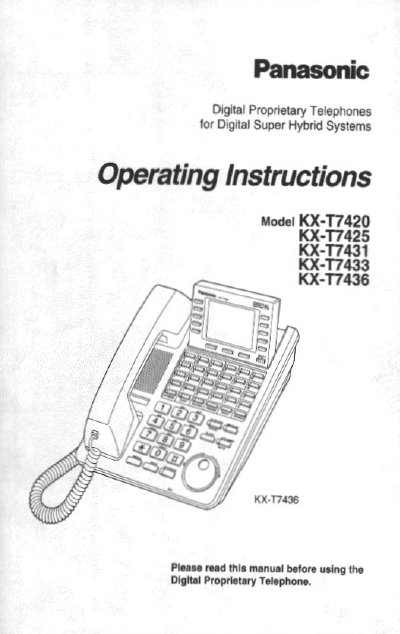
Panasonic KX-T7420 Operating Instructions


Panasonic KX-T7420 Operating Instructions - cover page
Brand
Panasonic
Document type
User Manual
Language
English
Pages
36
File format
PDF
File size
770 KB
Published
03 May, 2012
Updated
03 May, 2012
MD5 checksum
818A382C713070077EA3F831BFB32585

About this manual

This manual provides step‑by‑step guidance for installing and using the Panasonic KX‑T7420 digital telephone. It details the location of controls, how to connect the handset and line cord, and how to adjust volume and display contrast where applicable.

The guide also explains call functions such as making calls, speed dialing, one‑touch dialing, call forwarding, and three‑party conferencing, as well as troubleshooting tips and service information.

What's inside

  • Location of Controls
  • Getting Started
  • Connection
  • Controlling Volume and Display Contrast
  • Description of Symbols
  • Making Calls
  • Speed Dialing
  • One‑Touch Dialing
  • Call Features (Auto Answer, Conference, etc.)
  • Service and Warranty Information

Specifications

DisplayNone (non‑display model)

Frequently asked questions

How do I make a three‑party conference?

Press the CONF button to start a three‑party conference.

How do I store a speed‑dial number?

Use the speed‑dial button, then follow the on‑screen prompts to store the number.

Download PDF (770 KB)

More Panasonic Manuals


View all Panasonic manuals →