
Key facts
Start here
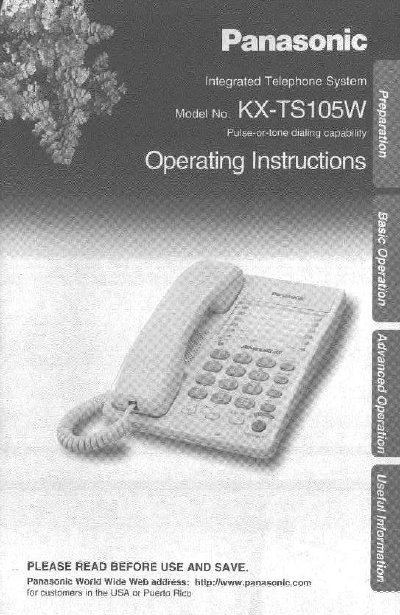
Panasonic KX-TS105W Integrated Telephone System Operating Instructions
This document provides operating instructions for the Panasonic KX-TS105W Integrated Telephone System. It details the initial setup process, including installing batteries and connecting the handset and telephone line cord. The guide explains how to use the device for making and answering calls, utilizing features like speed dialing, one-touch dialing, and call waiting.
Read onlinePanasonic KX-TS105W specifications
| Battery Type | Three high quality 'AA' Alkaline or Manganese batteries |
|---|---|
| Handset Compatibility | Use only a Panasonic Handset |
| Factory Dialing Mode | Tone |
| Factory Ringer Volume | HIGH |
Source: Panasonic KX-TS105W Integrated Telephone System Operating Instructions
All Panasonic KX-TS105W documents by type
Day-to-day operation, settings and troubleshooting. Start here if the product is already set up.
Questions answered in these manuals
What batteries are required for the KX-TS105W?
The unit requires three high quality 'AA' Alkaline or Manganese batteries.
From: Panasonic KX-TS105W Integrated Telephone System Operating Instructions
Can I connect a computer or modem to this telephone?
Yes, you can connect a communication device like a computer or modem through the DATA jack.
From: Panasonic KX-TS105W Integrated Telephone System Operating Instructions
What is the recommended battery type?
We recommend to use Alkaline batteries.
From: Panasonic KX-TS105B/KX-TS105W Integrated Telephone System Operating Instructions
How do I select the dialing mode?
Press (PROGRAM), then press (MUTE), press (3), and select Pulse or Tone.
From: Panasonic KX-TS105B/KX-TS105W Integrated Telephone System Operating Instructions