
Key facts
Start here
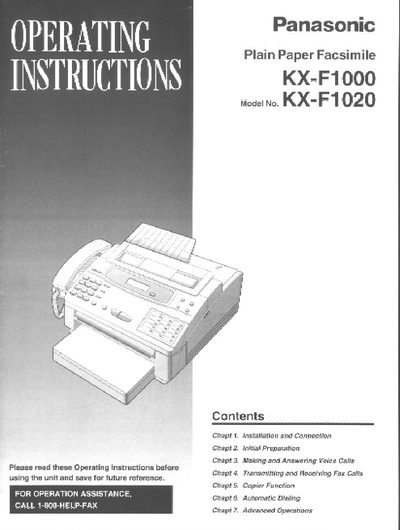
Panasonic KX-F1000 KX-F1020 Fax User Manual
This manual provides step‑by‑step guidance for installing and connecting the Panasonic KX‑F1000/KX‑F1020 fax machine, preparing the unit, and using its fax, voice call, copier, and advanced features. It also includes troubleshooting tips, safety information, and warranty details.
The document explains how to load film cartridges, paper cassettes, and document feeders, configure dialing modes, set date/time, and customize settings such as logo position and transmission options. A service program and one‑year limited warranty are described at the end of the manual.
Panasonic X-F100 specifications
| Fax Numbers Storage | 10 (30 digits) |
|---|---|
| Document Capacity | Up to five pages at a time |
| Redial Capability | Up to 15 times |
Source: Panasonic KX-F100 Telephone-Answering System with Facsimile Operating Instructions
All Panasonic X-F100 documents by type
Day-to-day operation, settings and troubleshooting. Start here if the product is already set up.
Questions answered in these manuals
How does the unit switch between telephone and facsimile modes?
The unit automatically switches based on whether the caller's voice is heard within 5 seconds of the end of the Outgoing Message (OGM).
From: Panasonic KX-F100 Telephone-Answering System with Facsimile Operating Instructions
How can I set up the Automatic Answer Mode remotely?
Dial the phone number and wait until 15 rings before hanging up after hearing the Outgoing Message (OGM).
From: Panasonic KX-F100 Telephone-Answering System with Facsimile Operating Instructions
How do I install the film cartridge?
Open the top cover, press the green “PUSH?” button, lift the head unit, place the cartridge with the BACK indicator up, insert the pins, lower the front, press down until it clicks, then close the cover.
What paper can be used in the paper cassette?
Letter‑size or legal‑size paper can be used; the cassette holds up to 250 sheets of 75 g/m² paper. Avoid coated, textured, or overly cotton‑rich paper.