
This document lists HP laser printer safety instructions, including the usage environment, power interface, static electricity and other precautions
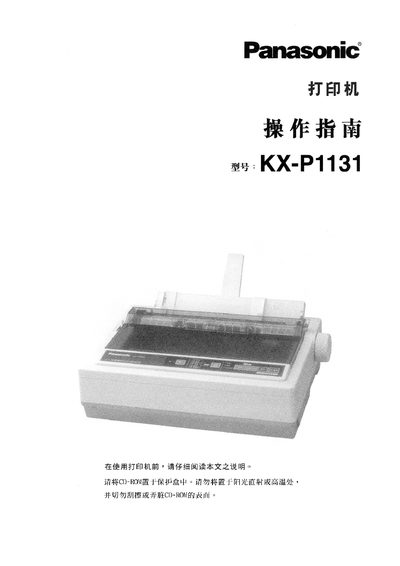
This document provides safety rules for the printer, including warnings to prevent fire or electric shock and cautions against attempting self-repair. It specifies that the power voltage is listed on the machine nameplate and that the power plug must be inserted firmly into a properly grounded AC outlet.
It lists conditions under which the equipment should not be used, such as direct sunlight, extreme temperatures or humidity, rapid temperature changes, poor ventilation, dust, chemical fumes, unstable surfaces, strong vibration, nearby liquids, missing paper or ribbon, objects on the printer, blocked print head movement, and insufficient cooling time. It also warns about electrostatic damage to the parallel or serial interface and print head, and cautions that the print head surface is hot. This manual is written in Chinese.
| Maximum operating temperature | 35 °C (95 °F) |
|---|---|
| Minimum operating temperature | 10 °C (50 °F) |
Touch a grounded metal surface first to prevent electrostatic damage.
No. Do not attempt to repair the printer yourself; seek service from qualified personnel.
Contact an authorized service representative for replacement; do not attempt to repair it.