
Panasonic KX-P1131+ printer is a multifunctional and high-quality 24-pin dot matrix printer, featuring low power consumption, various fonts, and fast printing speed.
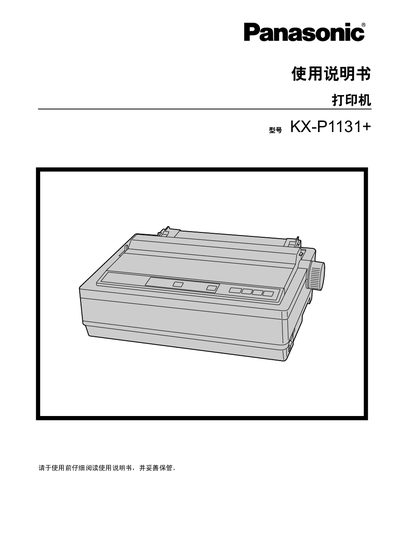
This manual introduces the Panasonic KX-P1131+ 24‑pin dot matrix printer, highlighting its high‑quality printing, multiple character fonts, and three interface options (USB 2.0, parallel, serial). It guides users through unpacking, installing the roll knob, connecting to a computer, and configuring software settings.
Safety information is emphasized throughout, with instructions on proper grounding, avoiding water and dust, and handling the hot print head. The manual also covers routine maintenance, troubleshooting steps, and how to reset the printer to its factory defaults. This manual is written in Chinese.
| Power consumption (operating mode) | 3 W |
|---|---|
| Print speed (draft mode) | 240 characters per second |
| Print speed (letter quality) | 80 characters per second |
| Interfaces | USB 2.0, parallel, serial |
| Paper feed methods | Friction and tractor feed |
Select the menu option “将所有当前设置复位为出厂设置” to restore all settings to the factory defaults.
The printer supports USB 2.0, parallel, and serial connections.