
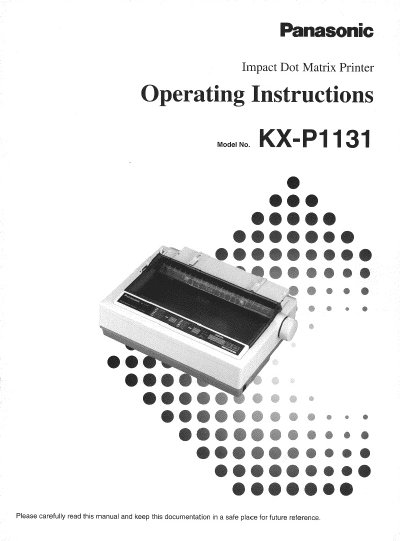
Panasonic KX-P1131 Impact Dot Matrix Printer Operating Instructions


Panasonic KX-P1131 Impact Dot Matrix Printer Operating Instructions - cover page
Brand
Panasonic
Category
Printer
Document type
User Manual
Language
English
Pages
44
File format
PDF
File size
1.2 MB
Published
08 August, 2012
Updated
22 August, 2012
MD5 checksum
217558C94F256EDAA34E08FDA83308BA

About this manual

This manual provides operating instructions for the Panasonic KX-P1131, a versatile 24-pin impact dot matrix printer designed for office use. It includes safety warnings, unpacking guidance, and setup procedures for connecting the printer to a computer and installing the ribbon cassette. The document details how to handle various paper types, including fanfold and single sheets, and explains the use of the printer driver programs for Windows 3.1, 95, 98, and NT.

What's inside

  • For Your Safety
  • Unpacking
  • Connecting to a Computer
  • Installing Ribbon Cassette
  • Handling Paper
  • Installing the Software
  • Using the Control Panel
  • Periodic Maintenance
  • Troubleshooting
  • Printer Specifications

Specifications

Printer Type24-pin dot matrix printer

Frequently asked questions

Where is the serial number located?

The serial number of the unit may be found on the label on the rear of the unit.

What is the printer type and pin count?

The unit is a versatile, high quality 24-pin dot matrix printer.

How long does the software warranty last?

Panasonic warrants the storage media for ninety (90) days from receipt.

Download PDF (1.2 MB)

More Panasonic Manuals


View all Panasonic manuals →