
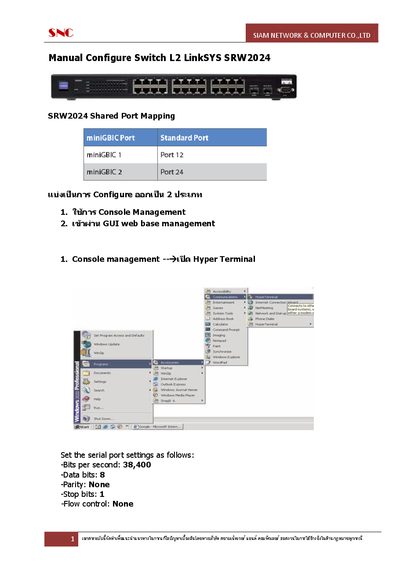
This document, created by SNC SIAM NETWORK & COMPUTER CO.,LTD, provides instructions for manual configuration of the LinkSYS SRW2024 SRW2024 switch. The document includes two methods of configuration: through Console Management and through GUI web base management. Users can learn how to set up the serial port and navigate the switch's main menu and system configuration menu.
This manual covers the Linksys SRW2024, a 48‑port 10/100/1000 Mbps Gigabit Ethernet switch with WebView management. It explains how to access the device via console (hyper‑terminal) or the web‑based GUI, and details the various configuration menus.
Key sections include console management settings, login credentials, system information, IP configuration, Telnet/SSH access, VLAN and Spanning‑Tree setup, SNMP management, and administrative functions such as user authentication and system reboot.
| Ports | 48 × 10/100/1000 Mbps |
|---|---|
| Management Interface | WebView (web‑based GUI) |
Set the serial port to 38,400 bps, 8 data bits, no parity, 1 stop bit, and no flow control.
The default username is **admin** and the default password is **p@ssword**.
SSH is disabled by default ("SSH Server : DISABLE"); it can be enabled by changing the SSH Server setting to ENABLE and confirming the port (default 22).
The IP Configuration menu provides options for IP Address Settings, HTTP Configuration, and HTTPS Configuration.