
This guide describes the features and functions of the HP LaserJet M2727 mfp. It also provides instructions on how to use the product for printing, scanning, and faxing.
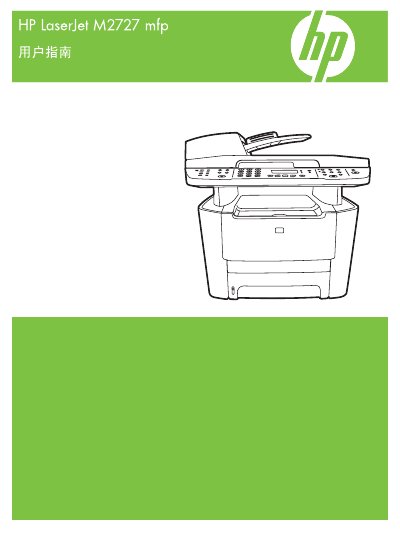
The HP LaserJet M2727 MFP User Manual provides detailed instructions for installing, configuring, and using the printer’s printing, copying, scanning, and fax functions. It includes sections on hardware overview, control panel navigation, supported operating systems, and network setup.
Additional chapters cover paper and media handling, print quality settings, troubleshooting, and information on consumables, accessories, and regulatory compliance. The guide also contains specifications, part numbers, and warranty details. This manual is written in Chinese.
| Part number | CB532-90956 |
|---|---|
| Supported paper size – Letter | 216 x 279 mm |
| Supported paper size – A4 | 210 x 297 mm |
| Supported paper size – Legal | 216 x 356 mm |
It supports Letter, Legal, A4, Executive, A3, A5, A6, B5 (JIS), and several custom sizes.