
This manual introduces the product features, exterior and the operation of the control panel of HP Color LaserJet CM4730 MFP multifunction printer.
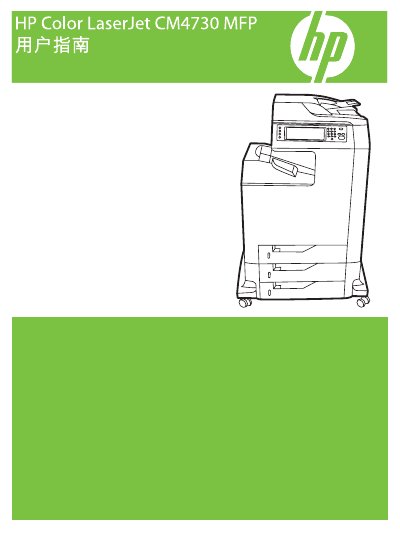
This guide covers the basic information, hardware layout, and control panel functions of the HP Color LaserJet CM4730 MFP. It explains how to navigate menus, configure default options, and use the touchscreen interface.
Detailed sections describe paper handling, printing, scanning, fax, network setup, firmware updates, and troubleshooting. The manual also includes maintenance procedures and consumable replacement instructions to keep the device running reliably. This manual is written in Chinese.
| Supported paper and media sizes | Multiple sizes as listed in the guide |
|---|---|
| Part number | CB480-90960 |
Select a custom size in the printer driver, then load the paper into a tray that supports custom dimensions.
Activate duplex printing from the control panel or enable the automatic duplex option in the driver settings.