
Dell Latitude 5280 Mobile TC Quick Start Guide

The Dell Latitude 5280 Mobile TC is a thin client with the following features:
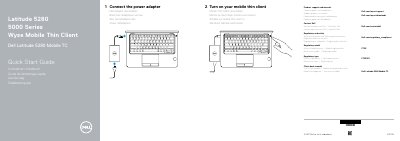

Dell Latitude 5280 Mobile TC Quick Start Guide - cover page
Brand
DELL
Category
Laptops
Document type
Quick Start Guide
Language
English
Pages
2
File format
PDF
File size
143 KB
Published
24 November, 2023
Updated
24 November, 2023
MD5 checksum
EBF504B67794A0E51F3A040AAAD7C344

About this manual

The Dell Latitude 5280 Mobile TC Quick Start Guide provides basic setup steps for the Dell Latitude 5280 Mobile TC thin client, including connecting the power adapter and turning on the device.

It lists product features such as optional IR camera, microSD card reader, USB 3.0 ports, HDMI, and DisplayPort over USB Type-C, and includes Dell product support and regulatory information.

What's inside

  • Connect the power adapter
  • Turn on your mobile thin client
  • Product support and manuals
  • Regulatory and safety
  • Features

Frequently asked questions

How do I connect the power adapter?

Connect the power adapter.

How do I turn on the mobile thin client?

Turn on your mobile thin client.

Where can I find Dell product support and manuals?

Dell provides product support and manuals online.

What is the client device model?

The client device model is Dell Latitude 5280 Mobile TC.

Download PDF (143 KB)

More DELL Manuals


View all DELL manuals →