
Key facts
Start here
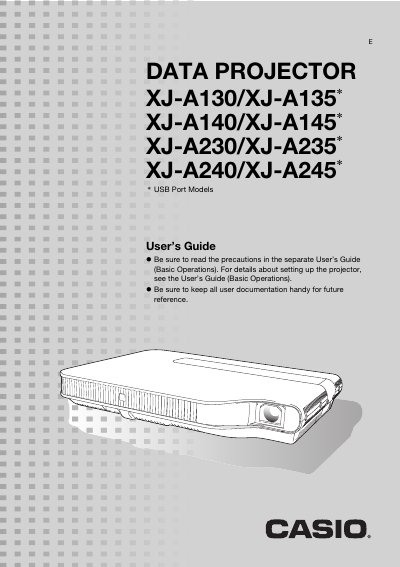
CASIO DATA PROJECTOR XJ-A130/XJ-A135 UsersGuide
This document serves as a user's guide for the Casio XJ-A130 through XJ-A245 series of data projectors. It details features such as the hybrid laser and LED light source, wide projection range with 2X zoom, and support for various input sources including HDMI, USB memory, and wireless LAN.
The guide provides instructions on basic setup menu operations, image adjustments, volume control, and eco mode settings. It also includes troubleshooting information regarding error indicators, cleaning procedures for the lens and vents, and a list of supported video signals.
Casio XJ-A130 specifications
| Light Source Type | Laser and LED hybrid light source |
|---|---|
| Brightness Range | 2,000 to 2,500 lumens |
| Zoom Capability | 2X zoom |
| Input Sources Supported | Computer RGB, composite video, component video, HDMI |
| Resolution Support (XJ-A230/XJ-A235/XJ-A240/XJ-A245) | WXGA (1280 x 800) |
All Casio XJ-A130 documents by type
Day-to-day operation, settings and troubleshooting. Start here if the product is already set up.
- CASIO DATA PROJECTOR XJ-A130/XJ-A135 UsersGuide 51 p
- CASIO DATA PROJECTOR XJ-A130/XJ-A135* UsersGuide 37 p
- Casio XJ-A130/XJ-A135/XJ-A140/XJ-A145/XJ-A150/XJ-A155/XJ-A240/XJ-A245/XJ-A250/XJ-A255 Data Projector User Guide 51 p
- Casio XJ-A130/A135/A140/A145/A150/A155/A240/A245/A250/A255 User Manual 51 p
- Casio XJ-A130/A135*/A140/A145*/A230/A235*/A240/A245* Data Projector User's Guide (Basic Operations) 31 p
Questions answered in these manuals
What is the brightness of the Casio XJ-A series projectors?
The projectors provide a high brightness ranging from 2,000 to 2,500 lumens.
Does this projector support wireless LAN?
Yes, the projector comes with a wireless LAN adapter that allows sending computer screen contents for projection.
Where can I find more detailed information than what is in this guide?
For more detailed information, see the User's Guide (UsersGuide_English.pdf) on the CD-ROM that comes with the projector.
What models are covered in this manual?
This manual covers the XJ-A130/XJ-A135, XJ-A140/XJ-A145, XJ-A230/XJ-A235, and XJ-A240/XJ-A245 models.
How do I start the projector immediately?
Press the power button; the projector powers on automatically and begins projecting.
From: Casio XJ-A130/A135/A140/A145/A150/A155/A240/A245/A250/A255 User Manual
How can I adjust the image brightness?
Use the BRIGHT key on the remote controller to increase or decrease brightness.
From: Casio XJ-A130/A135/A140/A145/A150/A155/A240/A245/A250/A255 User Manual