
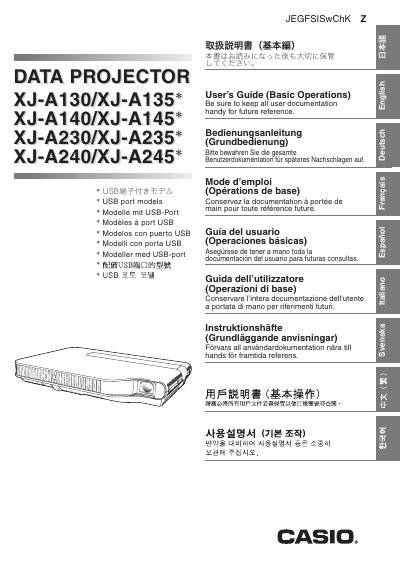
This Casio data projector user's guide covers the XJ-A130/XJ-A135, XJ-A140/XJ-A145, XJ-A230/XJ-A235, and XJ-A240/XJ-A245 models; models marked with an asterisk are USB port models. It explains installation, connection to a computer or video equipment, and basic operations.
The guide also covers safety precautions, operating precautions, package contents, CD-ROM use, part names, remote control, setup location and angle adjustment, keystone correction, menu settings, maintenance and cleaning, lamp information, troubleshooting, indicator display, and product specifications. This manual is written in Japanese.
It covers the XJ-A130/XJ-A135, XJ-A140/XJ-A145, XJ-A230/XJ-A235, and XJ-A240/XJ-A245 models; models marked with an asterisk have a USB port.
The supplied CD-ROM contains a more detailed user's guide (活用編).
It explains installation, connection to a computer or video equipment, and basic operations.
Read the Safety Precautions and Operating Precautions sections before using the projector.