
This manual introduces the basic operation methods of the USB port models XJ-A130/XJ-A135, XJ-A140/XJ-A145, XJ-A230/XJ-A235 and XJ-A240/XJ-A245 data projectors.
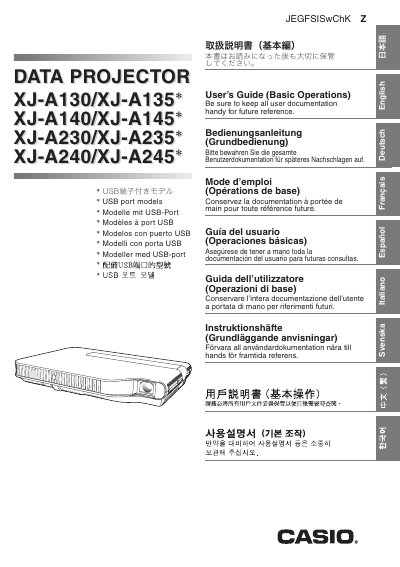
This document serves as a User's Guide focusing on basic operations for Casio Data Projector models XJ-A130/XJ-A135, XJ-A140/XJ-A145, XJ-A230/XJ-A235, and XJ-A240/XJ-A245. It provides instructions on unpacking the unit, preparing the remote controller, setting up elevation angles, connecting computers or video devices, turning the projector on and off, and performing basic image adjustments like keystone correction.
The guide also includes essential safety precautions regarding power cords, water exposure, ventilation, and lamp usage. For more detailed information beyond these basic operations, users are directed to consult the full User's Guide available on the included CD-ROM.
For more detailed information, see the User's Guide (UsersGuide_English.pdf) on the CD-ROM that comes with the projector.
This manual covers the XJ-A130/XJ-A135, XJ-A140/XJ-A145, XJ-A230/XJ-A235, and XJ-A240/XJ-A245 models.