
This document is the User's Guide for the DATA PROJECTOR XJ series, providing information on the features and usage instructions for each model.
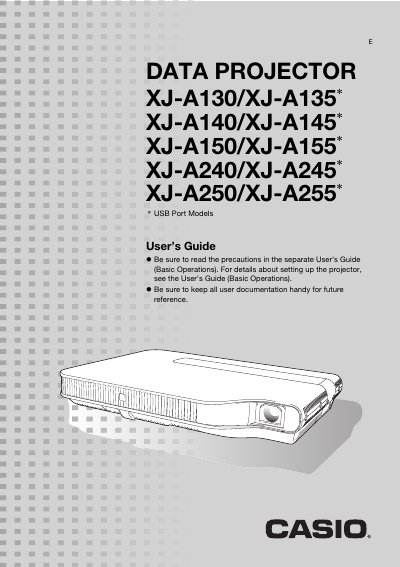
This guide provides an overview of the Casio Data Projector series, describing key features such as the laser‑LED hybrid light source, compact size, HDMI connectivity, 2X zoom, and supported input sources. It also details model‑specific specifications like WXGA (1280 × 800) resolution for the XJ‑A240/245/250/255 models.
The manual walks users through basic and advanced operations, including remote‑controller functions, image adjustments, color mode selection, zooming, aspect‑ratio changes, volume control, Eco mode, password protection, and cleaning procedures. It includes setup menus, signal compatibility tables, and troubleshooting information. This manual is written in Chinese.
| Brightness | 2,000 to 3,000 lumens |
|---|---|
| Resolution (WXGA models) | 1280 × 800 |
| Zoom | 2X optical zoom |