
This manual introduces the basic operations and advanced settings of the CASIO COMPUTER CO., LTD. XJ-A130/XJ-A135/XJ-A140/XJ-A145/XJ-A150/XJ-A155/XJ-A240/XJ-A245/XJ-A250/XJ-A255 models of data projectors, including the features and main functions of the projector, the remote control and the buttons on the projector, the projection process operation, image operation, volume adjustment, energy saving mode, basic setting menu operation, instant power-on, projector password protection, password input, password function use, projector initial factory default settings restoration, setting menu content, projector cleaning, error indicator and warning information, connection with YPbPr video output device, connection between projector and video device or computer HDMI output port, remote control signal range, projection distance and screen size, aspect ratio settings and projected images, supported signals.
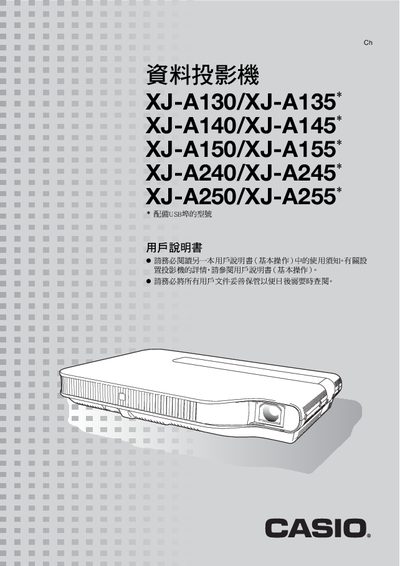
This manual covers the features, key operation, and setup of the Casio XJ‑A series projectors. It explains how to power on the unit, adjust image settings, use the remote controller keys, and connect various input sources such as HDMI, USB, and composite video.
Additional sections describe cleaning procedures, error indications, projection distance calculations, and detailed HDMI resolution tables. The document also includes specifications for brightness, supported resolutions, and other technical parameters. This manual is written in Japanese.
| Brightness | 000 to 3,000 lumens |
|---|
Press the power button; the projector powers on automatically and begins projecting.
Use the BRIGHT key on the remote controller to increase or decrease brightness.