
Key facts
- Brand
- Casio
- Model
- FX-570ES
- Category
- Other Electronics
- Industry
- Electronics
- Documents
- 4
- Languages
- EN · ZH
- Last added
- 2012-06-06
Start here
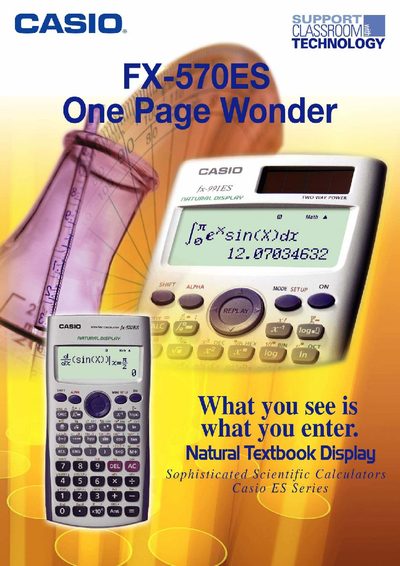
Casio FX-570ES Scientific Calculator One-Page Wonder
The One‑Page Wonder is a supplemental guide designed to help users quickly learn the most useful features of the Casio FX-570ES scientific calculator. Each exercise is self‑contained on a single page, allowing teachers and students to practice specific functions without consulting the full user manual.
The booklet includes a list of 25 exercises covering display configuration, basic scientific calculations, fractions, statistics, regression, complex numbers, matrix operations, and more. Step‑by‑step instructions show how to adjust contrast, change decimal separators, switch input/output modes, and perform a wide range of mathematical operations.
Casio FX-570ES specifications
| Battery Type (fx-991ES PLUS) | LR44 (GPA76) or R03 (UM-4) |
|---|---|
| Battery Type (fx-570ES PLUS) | R03 (UM-4) |
| Auto Power Off Time | 10 minutes |
All Casio FX-570ES documents by type
Day-to-day operation, settings and troubleshooting. Start here if the product is already set up.
The shortest path to a working setup, usually only a few pages.
Questions answered in these manuals
How do I initialize the calculator to default settings?
Press (CLR), (ALPHA), and (&) then select Yes.
When should I replace the battery?
Replace it at least once every three years for fx-991ES PLUS or two years for fx-570ES PLUS.
How do I adjust the display contrast on the FX-570ES?
Enter the setup menu, select CONT, then use the left‑right arrow keys to control contrast and press AC when finished.
How can I change the decimal point to a comma?
Open the setup menu, go to the Disp option and choose Comma.
How do I turn the calculator on and off?
Press the ON key (shown as @iJ) to turn it on, and press the OFF key to turn it off.
How long will the battery last?
The battery provides about 17,000 hours of continuous display time.