
This is a tutorial for using Casio FX-570ES scientific calculator
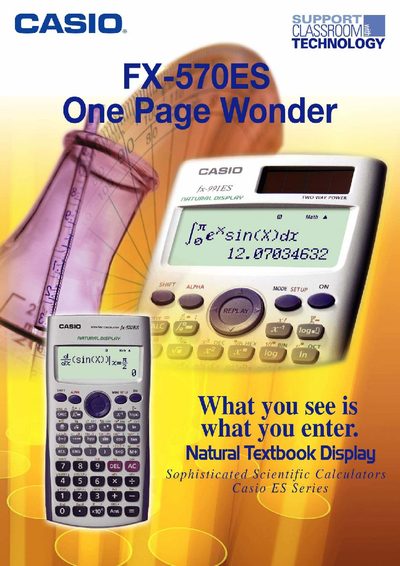
The One‑Page Wonder is a supplemental guide designed to help users quickly learn the most useful features of the Casio FX-570ES scientific calculator. Each exercise is self‑contained on a single page, allowing teachers and students to practice specific functions without consulting the full user manual.
The booklet includes a list of 25 exercises covering display configuration, basic scientific calculations, fractions, statistics, regression, complex numbers, matrix operations, and more. Step‑by‑step instructions show how to adjust contrast, change decimal separators, switch input/output modes, and perform a wide range of mathematical operations.
Enter the setup menu, select CONT, then use the left‑right arrow keys to control contrast and press AC when finished.
Open the setup menu, go to the Disp option and choose Comma.
Enter the calculator setup and select MathIO.