
This user's guide introduces the basic operations of the CASIO EX-V8 digital camera
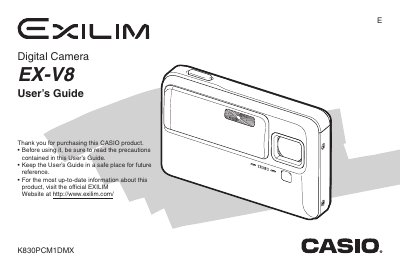
The Casio EX-V8 is a compact digital camera featuring face recognition technology, various snapshot and movie recording modes, and image editing capabilities. The device supports rechargeable lithium-ion batteries (NP-50) and USB cradles for charging and data transfer.
This User's Guide covers unpacking the camera, configuring initial settings like language and date, and operating the device in different environments. It details how to shoot snapshots and movies using auto or manual modes, utilize zoom functions, and apply creative effects such as color filters and skin texture enhancement.
| Battery Type | Rechargeable Lithium ion Battery (NP-50) |
|---|---|
| Charging Voltage Input | 100 to 240 V AC 50/60Hz |
| Charging Output Voltage | 5.3 V DC |
| Battery Capacity | 950 mAh |
You should visit the official EXILIM Website at http://www.exilim.com/.
The camera uses a Rechargeable Lithium ion Battery (NP-50).