
This manual explains how to use the K830 digital camera.
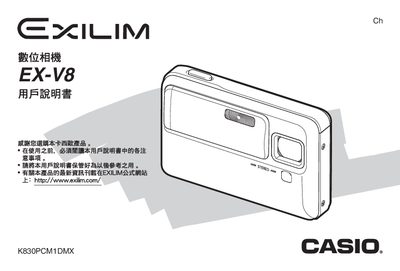
This manual guides you through unpacking, charging the NP‑50 battery, and configuring basic settings such as language, date, and time. It also explains how to connect the camera to Windows or Macintosh computers via USB for image transfer.
Detailed sections cover still‑photo shooting, animation capture, face‑recognition mode, flash usage, and advanced image editing functions like white‑balance and color correction. An appendix provides specifications, battery information, and a troubleshooting guide. This manual is written in Chinese.
| Battery voltage | 3.7 V |
|---|---|
| Battery capacity | 950 mAh |
| Charger input voltage | 100‑240 V AC 50/60 Hz |
| Camera dimensions | 50 × 20 × 70 mm |
| Camera weight | 90 g |
Use the supplied AC charger with an input of 100‑240 V AC, 0.83 A, to charge the NP‑50 rechargeable battery.
Connect the camera to a Windows or Macintosh computer via the USB port and use the provided software to view and store images.
Select the menu option to configure the date and time according to your preferences.