
This document is the operation guide of the pedometer, which introduces the functions, usage methods and precautions of the pedometer.
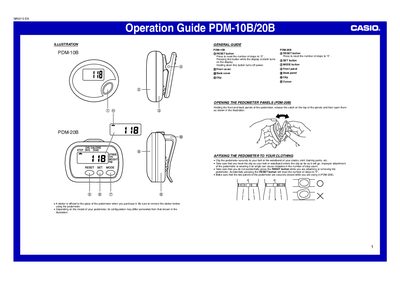
The Casio PDM-10B and PDM-20B are pedometers designed to count steps, distance, and calories during walking or light jogging. The device detects movement via a pendulum inside that generates a rattling sound when shaken vertically. Users can attach the unit to clothing using an integrated clip.
| Intended Use | walking during normal daily life and during light jogging |
|---|---|
| Stride Length Range | 30cm to 180cm |
| Weight Range | 20 kg to 120 kg |
| Battery Replacement Interval | at least once every 3 years |
Press the RESET button to reset the number of steps to '0'.
The pedometer cannot count correctly during irregular walking, shuffling feet, or activities like climbing stairs.
Remove the back cover screws (PDM-10B) or slide off the front panel (PDM-20B), remove the old battery, and insert a new one with the positive side facing up.