
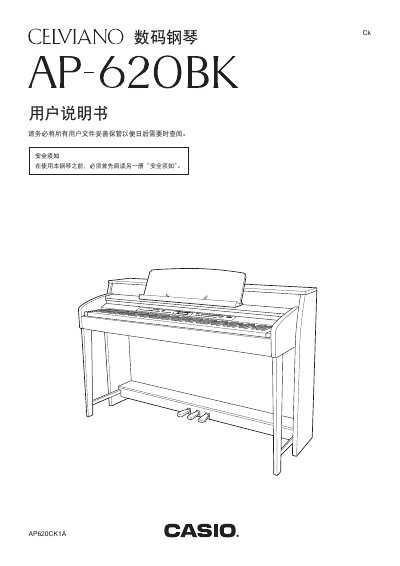
This manual provides instructions for operating the Casio AP-620BK digital piano. It covers basic functions such as turning the power on and off, connecting headphones and external audio devices, and adjusting volume levels. The guide also details how to use various sound tones, rhythms, and effects like reverb and chorus. This manual is written in Chinese.
| Model Number | AP-620BK |
|---|---|
| MIDI Channels | 1-16 |
| Note Range | 0-127 |
Turn off the power, then hold down the TONE and FUNCTION buttons while pressing the POWER button to initialize the internal system.
The piano automatically adjusts the output volume to suit the headphones, and connecting them cuts off the built-in speaker output.
The product is covered by a one-year free repair warranty from the date of purchase if it malfunctions under normal use.