
AP220CK1A is a Yamaha digital piano manual, which introduces the function and use of digital piano.
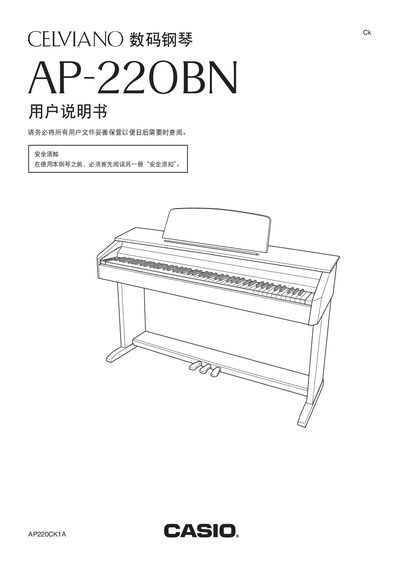
This manual covers every aspect of the AP‑220BN digital piano, from unpacking and assembling the stand to connecting headphones, external audio equipment, and a computer via USB. Detailed sections explain how to select and blend the 16 built‑in tones, adjust brightness, reverb, chorus, and use the metronome, recording functions, and MIDI capabilities.
Safety guidelines, power requirements, and a full specifications table are included, along with a troubleshooting chapter that helps resolve common issues such as power‑up problems, transformer usage, and key‑response concerns. This manual is written in Chinese.
| Model | AP-220BN |
|---|---|
| Keyboard | 88 keys with touch response |
| Polyphony | 128 notes |
| Built‑in songs | 60 |
| Transformer model | AD‑A12150LW |
| Speakers | 2 × 12 cm, 8 W + 8 W |
| Dimensions (with stand) | 139.5 mm × 43.2 mm × 83.5 mm |
| Weight (with stand) | ≈ 37.5 kg |
Use the specified AD‑A12150LW transformer.
The instrument includes 60 preset songs.
It can play up to 128 notes simultaneously.