
This guide provides setup, installation, safety, and operation instructions for the Brother QL-570/580N label printer.
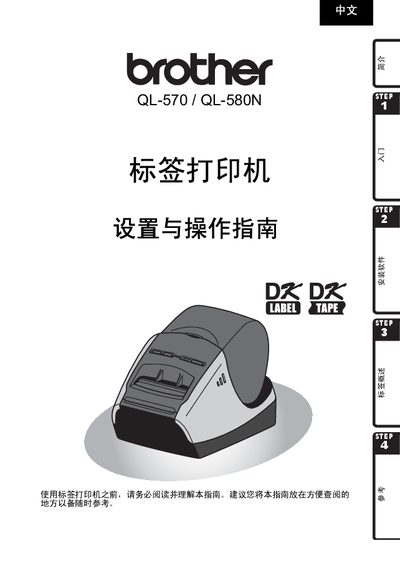
The document explains how to unpack, connect power, install the DK series label tape, and connect the printer to a computer via USB, RS‑232C or Ethernet. It includes safety warnings, component descriptions, and step‑by‑step software installation for Windows operating systems.
It also details the supported label types, printing specifications, LED indicators, maintenance tips, and troubleshooting procedures. A full specification table lists dimensions, power requirements, print speed, resolution, and environmental limits. This manual is written in Chinese.
| Print speed | 110 mm/s (max 68 labels/min) |
|---|---|
| Print resolution | 300 dpi |
| Maximum print height | 59 mm |
| Minimum print length | 12.7 mm |
| Power supply | 220‑240 V AC, 50/60 Hz, 0.9 A |
| Dimensions (QL‑570) | 133 mm × 208 mm × 143 mm |
| Dimensions (QL‑580N) | 133 mm × 240 mm × 143 mm |
| Weight (QL‑570) | ≈1.1 kg (without DK tape) |
| Weight (QL‑580N) | ≈1.2 kg (without DK tape) |
| Supported interfaces | USB, RS‑232C, 10/100BASE‑TX Ethernet |
| Operating temperature | 10 °C to 35 °C |
| Operating humidity | 20 % to 80 % (non‑condensing) |
It uses a 220‑240 V AC power supply at 50/60 Hz drawing about 0.9 A.
The QL-580N provides USB, RS‑232C, and 10/100BASE‑TX Ethernet ports.