
Brother QL-570/580N Label Printer Setup and Operation Guide

This guide provides installation, setup, and operation instructions for the Brother QL-570/580N label printer, including safety precautions and software…
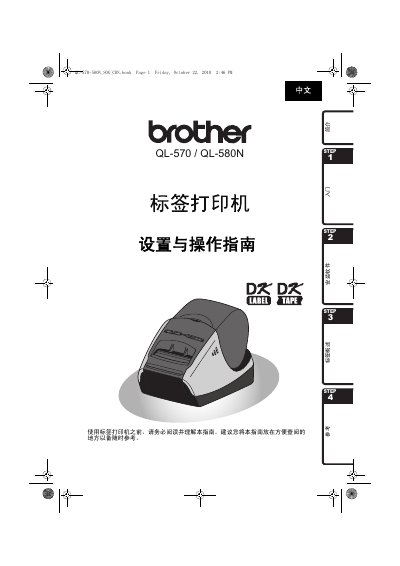

Brother QL-570/580N Label Printer Setup and Operation Guide - cover page
Brand
Brother
Category
Printer
Document type
User Manual
Language
Chinese
Pages
36
File format
PDF
File size
3.9 MB
Published
16 October, 2026
Updated
16 October, 2026
MD5 checksum
B01B2B0C72A643F9231E4084615712A5

About this manual

This document is the Setup and Operation Guide for the Brother QL-570 and QL-580N label printers. It covers essential steps for getting started, including unboxing, connecting power, installing DK series label ribbons, and setting up the printer with a computer. The guide also includes a section on installing the necessary software for Windows operating systems. This manual is written in Chinese.

What's inside

  • Safety Precautions
  • General Information
  • Unboxing and Parts
  • Power Connection
  • Installing Label Ribbons
  • Software Installation
  • Label Overview
  • Maintenance
  • Troubleshooting
  • Specifications

Frequently asked questions

What power supply voltage is required for the Brother QL-570/580N label printer?

The printer requires a power supply of 220V-240V AC.

What should you do if you notice unusual smells, heat, or discoloration from the printer?

You must immediately unplug the power cord and stop using the label printer.

Is it safe to touch the metal parts near the print head while the printer is in use?

No, you should not touch any metal parts near the print head because it becomes very hot.

Download PDF (3.9 MB)

More Brother Manuals


View all Brother manuals →