
This is the quick reference manual for P-touch 1500PC, which introduces how to use the product
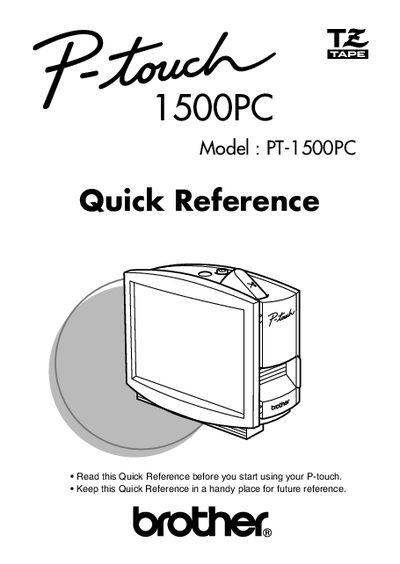
This document serves as a Quick Reference for the Brother P-touch 1500PC label printer. It provides essential information on unpacking the device, inserting photos into the attached frame, changing tape cassettes, and connecting the AC adapter and USB interface cable to a computer.
The guide details procedures for installing the included software (P-touch Quick Editor and P-touch Editor Ver. 3.1) and printer drivers for both Windows and Macintosh systems. It also includes instructions on using the design software to create labels, printing them, performing maintenance tasks like cleaning the print head, and troubleshooting common issues.
| Product Name | Brother Label Printer P-touch 1500PC |
|---|---|
| Model Number | PT-1500PC |
The enclosed CD-ROM contains P-touch Quick Editor and P-touch Editor Ver. 3.1.
Press the Power/Feed key once to turn the machine on or off.