
Brother PT-1500PC Label Printer Quick Reference

This document introduces the features and characteristics of the Brother P-touch 1500PC label printer, as well as instructions for use and software information.
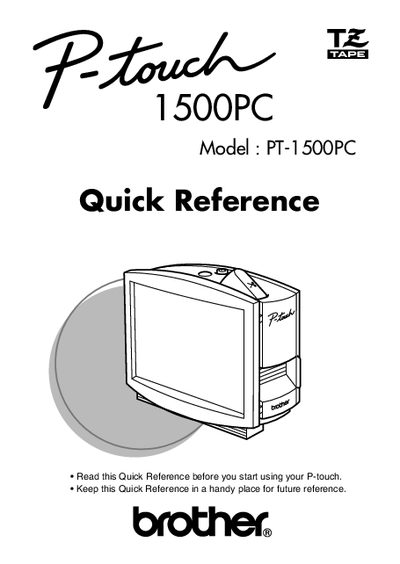

Brother PT-1500PC Label Printer Quick Reference - cover page
Brand
Brother
Category
Printer
Document type
Quick Start Guide
Language
English
Pages
55
File format
PDF
File size
607 KB
Published
02 July, 2012
Updated
29 September, 2023
MD5 checksum
6AB184290599D7C6AF795B4B07CF765D

About this manual

This document serves as a Quick Reference for the Brother PT-1500PC label printer. It provides essential instructions for unpacking the device, inserting photos into the attached frame, and changing the tape cassette. The guide details how to connect the AC adapter and USB interface cable to power the printer and link it to a computer.

What's inside

  • Unpacking
  • General description
  • General precautions
  • Inserting a photo into the photo frame
  • Tape cassettes
  • Changing the tape cassette
  • Connecting the AC adapter
  • Power/Feed key
  • Connecting the USB interface cable
  • Software and printer driver

Frequently asked questions

What is included in the box with the printer?

The package includes a photo frame, an AC adapter (model AD-60), and a USB interface cable.

What is the width of the tape cassette included?

The included tape cassette is 1/2 inch or 12 mm wide.

How long is the black characters on white tape included?

The included tape measures 16 and 3/8 inches, which is 5 meters.

Download PDF (607 KB)

More Brother Manuals


View all Brother manuals →