
This document is the user manual for PT-1280, which introduces the basic functions and usage methods of PT-1280.
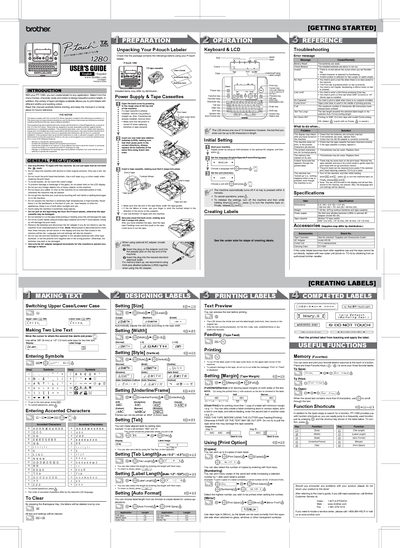
This guide introduces the Brother PT-1280 label maker, describing its features, available tape widths, and basic safety precautions. It walks you through unpacking, installing batteries or the optional AC adapter, loading tape cassettes, and configuring language and unit settings.
Detailed sections cover label design options such as size, style, underline/frame, and tab settings, as well as printing functions like copies, numbering, and mirror mode. The manual also includes a troubleshooting chapter, specifications, and a list of accessories.
| Dimensions | 6.4" (W) x 6.0" (D) x 2.4" (H) |
|---|---|
| Weight | 1.03 lbs (470 g) without batteries and tape cassette |
| Power supply | Six AAA alkaline batteries or optional AC adapter (model AD-30) |
| Supported tape widths | 9/64" (3.5 mm), 1/4" (6 mm), 3/8" (9 mm), 1/2" (12 mm) |
Replace the six AAA alkaline batteries with new ones.
Push the tape cutter lever on the upper‑right corner of the machine after printing.
You can print up to nine copies of each label.
It indicates the tape cutter lever was used while printing; stop printing and try again.