
This document describes the features and characteristics of the Brother PT-1280 Electronic Labeling System. With this system, users can create labels for any application, with a variety of frames, character sizes, and styles to choose from, allowing for the design of beautiful custom labels.
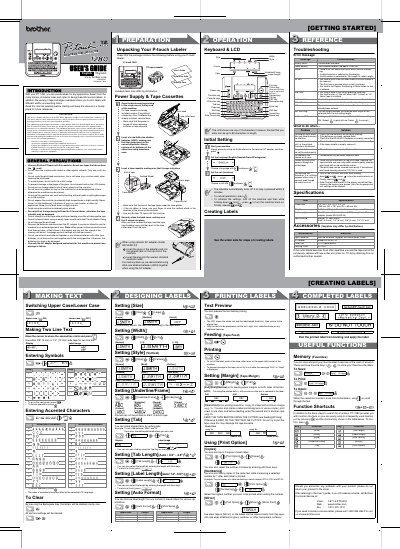
This manual provides instructions for the Brother PT-1280 electronic labeling system. It details how to set up the device using batteries or an optional AC adapter, and explains how to create custom labels using various tape widths, colors, and styles. The guide includes step-by-step procedures for entering text, formatting labels, and feeding tape.
| Dimensions | 6.4" (W) × 6.0" (D) × 2.4" (H) |
|---|---|
| Weight | 1.03 lbs. (470 g) |
| Power supply | Six AAA-size alkaline batteries (LR03) or optional AC adapter (model AD-30/AD-24) |
| Tape cassette | Brother TZ tape (width) : 9/64" (3.5 mm), 1/4" (6 mm), 3/8" (9 mm), 1/2" (12 mm) |
The machine uses six AAA-size alkaline batteries (LR03) or an optional AC adapter.
Turn off the machine and then press and hold the Power key and the ESC key while pressing the OK key to turn it back on.
Replace the cutter unit with a new one (stock no. TC-5) from an authorized Brother reseller.