
The Brother TD-4000/TD-4100N label printer user manual provides installation, operation, maintenance, safety guidelines and technical specifications.
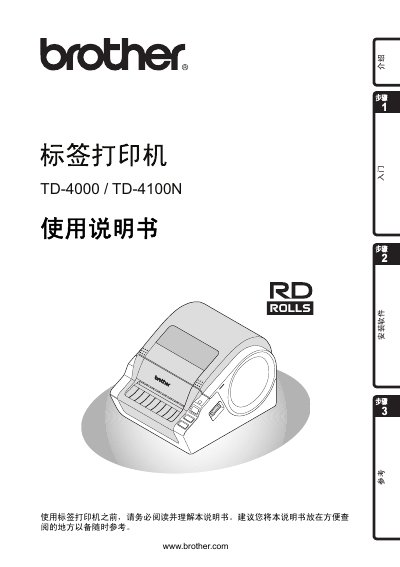
This manual introduces the Brother TD-4000/TD-4100N label printer, covering safety precautions, component descriptions, and step‑by‑step installation of software, power, and the RD series ribbon. It also explains label‑making procedures, LED indicators, and basic operation commands.
Further sections detail troubleshooting, main technical specifications, accessory information, and recommended consumables. The document helps users achieve reliable printing while complying with environmental and safety regulations. This manual is written in Chinese.
| Print speed | 110 mm/s (USB) |
|---|---|
| Print resolution | 300 dpi (1296 dots) |
| Maximum print width | 98.6 mm |
| Minimum print length | 25.4 mm |
| Power supply | 220 V 50 Hz 1.1 A AC |
| Dimensions (W×D×H) | 173 mm × 229 mm × 158 mm |
| Weight (TD‑4000) | ≈1.81 kg |
| Weight (TD‑4100N) | ≈1.83 kg |
| Memory for data storage | 2048 KB |
| Interfaces | USB, RS‑232C serial, 10/100BASE‑TX Ethernet |
| Operating temperature | 10 °C – 35 °C |
| Operating humidity | 20 % – 80 % (non‑condensing) |
Set the print mode to buffer printing in Windows (Control Panel → Printer and Devices → Printer Properties → General → Print Preferences → select “Print after receiving one page”).
Only Brother original heat‑sensitive ribbons are recommended for optimal performance.