
Key facts
- Brand
- SONY
- Model
- HC24E
- Category
- Camcorders
- Industry
- Electronics
- Documents
- 2
- Languages
- EN · ZH
- Last added
- 2012-05-03
Start here
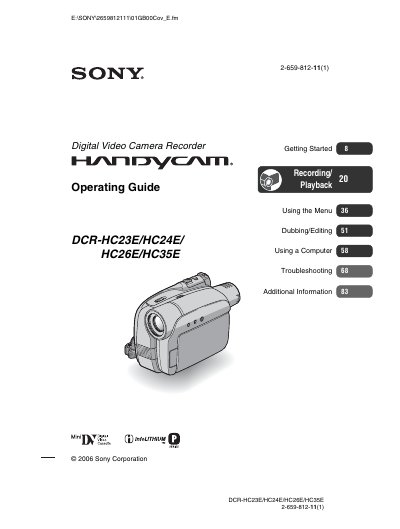
SONY DCR-H23E/HC24E/HC26E/HC35E operating instructions
This guide walks you through getting started with the camcorder, including checking supplied items, charging the NP‑FP30 rechargeable battery pack, inserting compatible Mini‑DV cassettes, and using the remote commander. It also covers basic operation such as turning the power on, adjusting the LCD panel and viewfinder, and using the touch panel.
Later sections describe menu navigation, recording and playback features, dubbing/editing functions, connecting the camcorder to a computer via USB or i.LINK, troubleshooting common issues, and detailed specifications of the device, such as its Carl Zeiss lens and LCD performance.
SONY HC24E specifications
| Recording system | Dual rotating heads, helical scan system |
|---|---|
| Audio system | Rotating heads, PCM system |
| Video signal format | PAL color, CCIR standard |
| Tape speed (SP) | ≈ 18.81 mm/s |
| Tape speed (LP) | ≈ 12.56 mm/s |
| Recording/playback time (SP) | 60 minutes with DVM60 tape |
| Lens (HC23E) | Carl Zeiss Vario‑Tessar 20× optical, 640× digital |
| LCD screen size | 6.2 cm (2.5") |
| Image sensor | 3.0 mm (1/6") CCD, ~800 k pixels |
Source: SONY digital Videography all-in-oneHC23E/24E/26E/358E operating instructions
All SONY HC24E documents by type
Day-to-day operation, settings and troubleshooting. Start here if the product is already set up.
Questions answered in these manuals
How do I charge the battery?
Insert the InfoLITHIUM battery into the camcorder, align the terminals, slide the POWER switch to OFF (CHG) and the CHG indicator will light, indicating charging has started.
From: SONY digital Videography all-in-oneHC23E/24E/26E/358E operating instructions
What type of DV tape can be used with the camcorder?
Only small‑format DV tapes bearing the Sony logo may be used; tapes with Cassette Memory are not compatible.
From: SONY digital Videography all-in-oneHC23E/24E/26E/358E operating instructions