
Key facts
- Brand
- SONY
- Model
- DCR-PC5
- Category
- Other Electronics
- Documents
- 2
- Languages
- EN · ZH
- Last added
- 2012-03-24
Start here
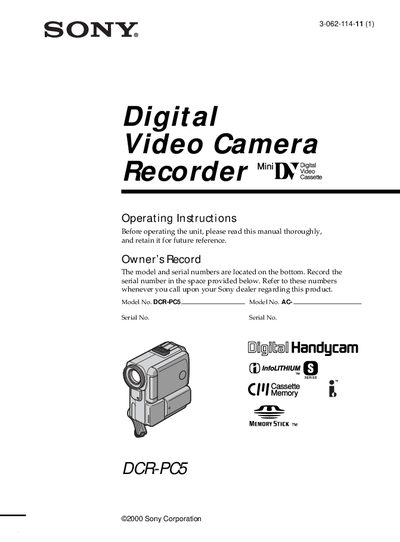
Sony DCR-PC5 Camcorder User Manual
This manual introduces the Sony DCR‑PC5 camcorder, covering safety warnings, supplied accessories, and basic setup steps such as connecting the power supply, inserting a mini‑DV cassette, and using the touch panel. Quick start instructions guide you through powering the camera, recording, and playback.
Later sections detail advanced recording features, memory‑stick operations, editing functions, troubleshooting, and full technical specifications. The guide also includes disposal instructions for the lithium‑ion battery and contact information for Sony service centers.
All SONY DCR-PC5 documents by type
Day-to-day operation, settings and troubleshooting. Start here if the product is already set up.
Questions answered in these manuals
How do I start recording a video?
Set the POWER switch to CAMERA while pressing the small green button, then press START/STOP to begin recording.
How do I insert a mini DV cassette?
Open the cassette compartment, push the cassette back, insert it straight with the window facing out, and close the compartment.
How long does it take to fully charge the battery?
It takes about 125 minutes to fully charge the NP‑FA50 InfoLITHIUM battery.
From: Sony DCR-PC53E/PC55E Digital Camcorder Operating Instructions
Can the camera be pointed directly at the sun?
No, pointing the camera at the sun can cause damage; it should only be used in low‑light conditions such as dusk.
From: Sony DCR-PC53E/PC55E Digital Camcorder Operating Instructions