
Key facts
- Brand
- SONY
- Model
- TR30
- Category
- Other Electronics
- Documents
- 2
- Languages
- EN
- Last added
- 2012-03-24
Start here
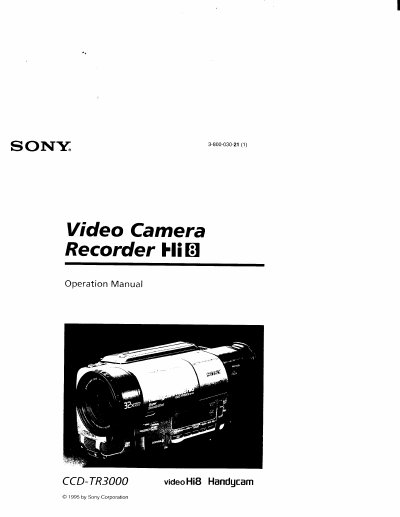
Sony CCD-TR3000 Camcorder User Manual
This manual introduces the Sony CCD-TR3000 Handycam, covering safety warnings, accessories, and basic handling. It guides you through charging and installing the NP-520 battery pack, inserting and ejecting Hi‑8 video cassettes, and using the camcorder's core functions.
Advanced sections describe alternative power sources, manual exposure controls, picture effects, and editing features. The final chapters list specifications, part identification, warning indicators, and an index for quick reference.
SONY TR30 specifications
| Charging time (NP‑520 battery pack) | 110 minutes |
|---|---|
| Typical recording time (NP‑520 battery pack) | 35 minutes |
| Continuous recording time (NP‑520 battery pack) | 70 minutes |
All SONY TR30 documents by type
Day-to-day operation, settings and troubleshooting. Start here if the product is already set up.
Questions answered in these manuals
What does a slow flashing indicator in the viewfinder mean?
A slow flashing indicator means the battery is weak.
Can I use an extension cord with the camcorder’s AC plug?
No – the manual warns not to use the polarized AC plug with an extension cord.
How do I charge the battery pack?
Use the supplied AC‑V515 AC power adaptor, connect it to a wall outlet, align the battery pack as shown, and the CHARGE lamp will light while charging.
What should I do if the CHARGE lamp does not light?
Disconnect the power cord, wait about one minute, then reconnect the power cord; the lamp should then illuminate.