
Key facts
Start here
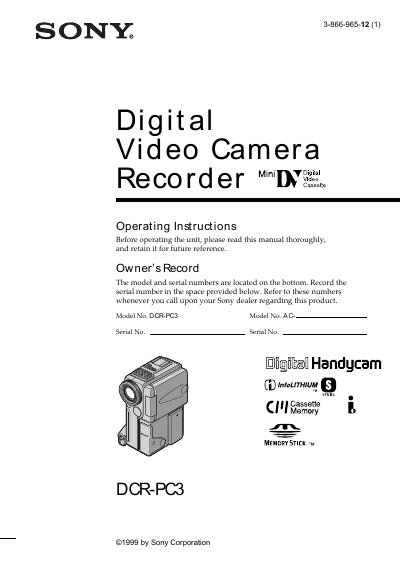
Sony DCR-PC3 Camcorder User Manual
This manual introduces the Sony DCR‑PC3 Digital Handycam, covering safety warnings, required accessories, and basic handling. It explains how to connect the power cord, install the battery pack, insert a mini‑DV cassette, and start recording with the viewfinder or LCD screen.
Later sections describe advanced recording and playback features such as NightShot, picture and digital effects, title and photo searches, and editing functions. The guide also includes troubleshooting tips, self‑diagnosis indicators, and a specifications table for quick reference.
SONY DCR-PC3 specifications
| Model | DCR-PC3 |
|---|---|
| Battery type | NP‑FS11 |
| Memory format | Memory Stick |
| Tape format | Mini DV cassette |
| Power source | AC adaptor (supplied) |
All SONY DCR-PC3 documents by type
Day-to-day operation, settings and troubleshooting. Start here if the product is already set up.
Questions answered in these manuals
Which TV system is required to view recordings on a TV?
An NTSC system‑based TV is required for playback.
What types of memory media can be used with the DCR‑PC330E?
The camcorder supports built‑in Cassette Memory and optional Memory Stick media for recording.
What safety precautions should be taken to avoid LCD panel damage?
Do not expose the LCD panel to direct sunlight or strong light, and avoid operating the camera in very dark conditions that could cause faults.