
Key facts
Start here
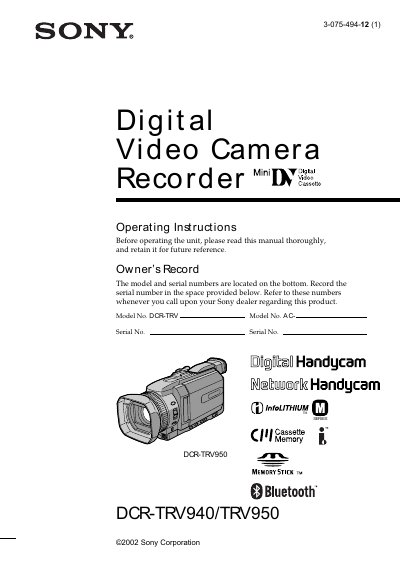
Sony DCR-TRV940/DCR-TRV950 Camcorder Operating Instructions
This manual provides step‑by‑step guidance for setting up the Sony DCR‑TRV940 and DCR‑TRV950 camcorders, including power connection, battery installation, date/time setting, and cassette insertion. It also explains how to record video and still images on both MiniDV tapes and Memory Sticks, and how to transfer files to a computer via USB.
Advanced sections cover Bluetooth and network functions (available on the DCR‑TRV950), special effects, digital zoom, and troubleshooting tips. Safety warnings, FCC/ICES compliance information, and specifications are included at the end of the document.
SONY DCR-TRV940 specifications
| Bluetooth | Supported |
|---|---|
| Camera type | Digital Handycam |
| Network capability | Supported (limited to DCR‑TRV950E) |
| Memory Stick recording | Supported |
| Rechargeable battery | Supported |
Source: Sony DCR-TRV940E / DCR-TRV950E Camcorder User Manual
All SONY DCR-TRV940 documents by type
Day-to-day operation, settings and troubleshooting. Start here if the product is already set up.
Questions answered in these manuals
Can the camera be used in rainy or wet conditions?
No, the manual warns not to expose the camera to rain or moisture.
How do I transfer recorded video to a computer?
Connect the camcorder to the computer using the supplied USB cable.
How can I prevent fire or electric shock when using the camcorder?
Do not expose the camcorder to rain or moisture.
Am I allowed to open the camcorder case myself?
No, do not remove the case; only professional technicians should service it.